

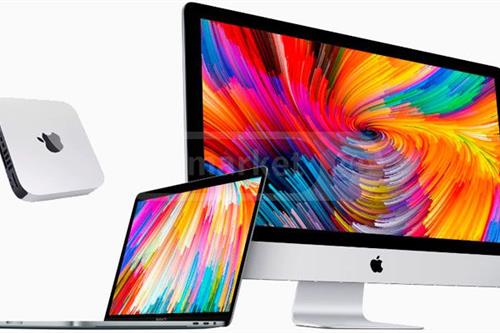
Apple Device - შეკეთება გარანტიით
Negotiable price More than 5 years
 Tbilisi
კომპიუტერული ტექნიკის შეკეთება
Negotiable priceMore than 5 yearsTbilisi
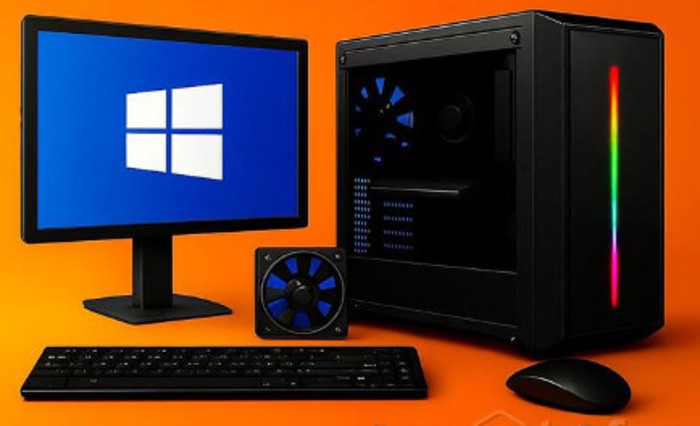
კომპიუტერული ტექნიკის შეკეთება
Negotiable priceMore than 5 yearsTbilisiTips on Computer Repair and Choosing a Technician
Accurate and hardware diagnostics
Before reinstalling Windows (Windows installation), it is necessary to check the computer components. The cause of freezing, black screen or blue screen (BSOD) is often not software, but hardware - for example, a defect in the RAM or hard drive.
Dust cleaning and thermal interface
The main cause of premature failure of computer equipment is overheating. At least once a year, a personal computer and laptop need to be thoroughly cleaned of dust and replaced with high-quality thermal paste on the processor (CPU) and video card (GPU).
System acceleration with an SSD drive
If your computer is running slowly, replace the old hard drive (HDD) before buying a new processor or video card. Installing a modern, high-speed SSD (or NVME) drive increases the speed of the computer by 3 to 5 times.
Power supply power rating
When assembling a computer or upgrading components, pay special attention to the power supply. A poor-quality or insufficiently powerful power supply can damage the motherboard ($Motherboard$) and other expensive components at the slightest voltage drop.
Keep your data safe
Before any technical or software intervention, ask a technician to create a backup of your important files, documents, and photos to prevent irreversible loss of information.💡 Return your computer to maximum speed: Find certified IT specialists, professional laptop repairmen, and computer technicians at affordable prices on the platform: services.ss.ge
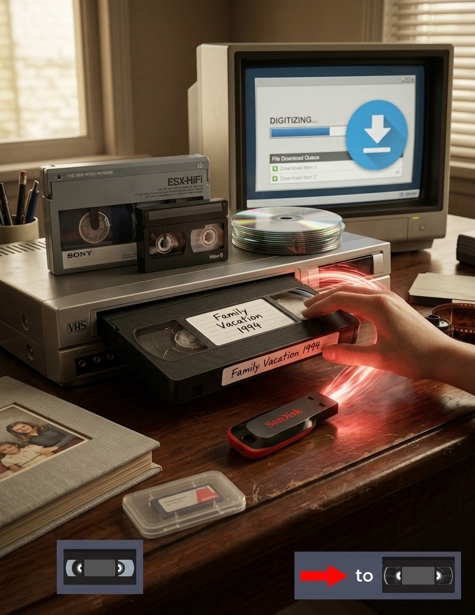
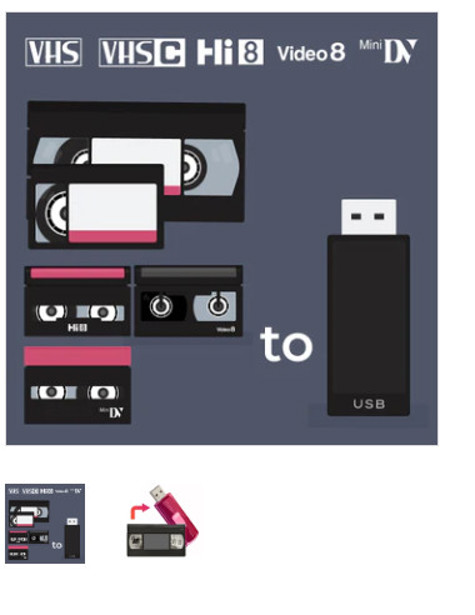
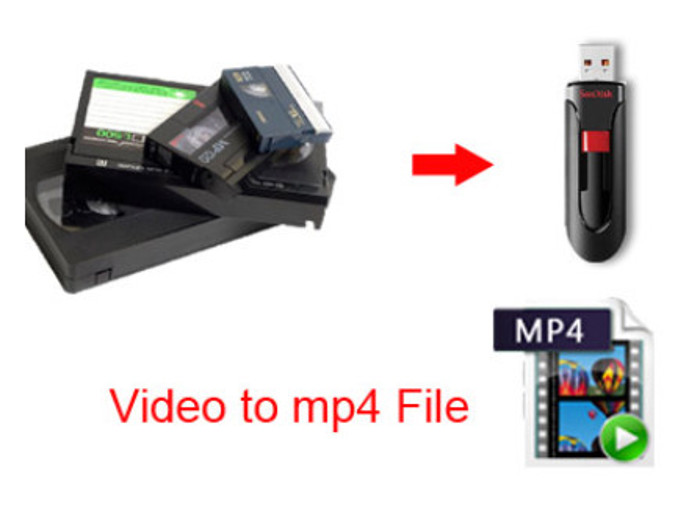
ვიდეო კასეტის VHS,VHS-C,8MM და DVD,CD დისკების გაციფრულება.
Negotiable priceMore than 5 yearsTbilisi, Didube
კომპიუტერული ტექნიკის სერვისი
Negotiable priceMore than 5 yearsTbilisi
კომპიუტერული ტექნიკის შეკეთება
40 ₾More than 5 yearsTbilisi, Gldani
კომპიუტერული მომსახურება
20 ₾More than 5 yearsTbilisi
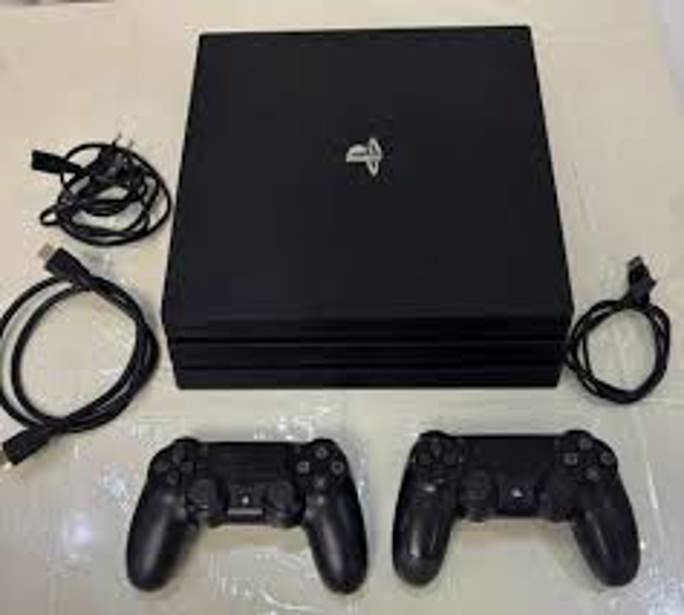
Playstation 4 შეკეთება
Negotiable priceMore than 5 yearsTbilisi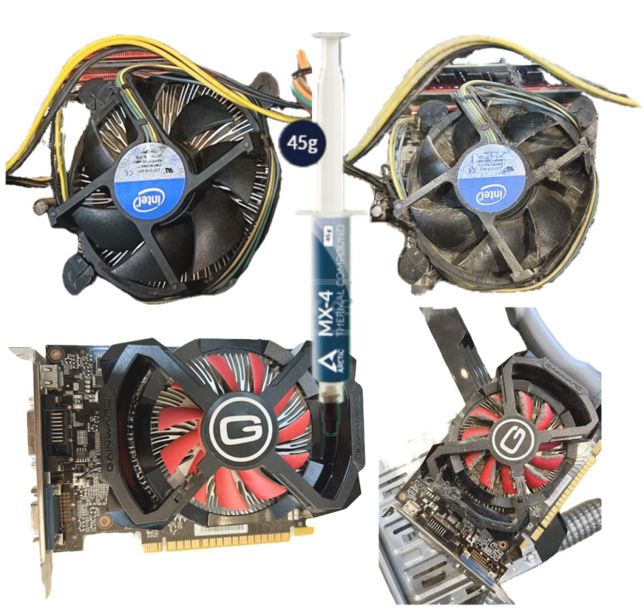
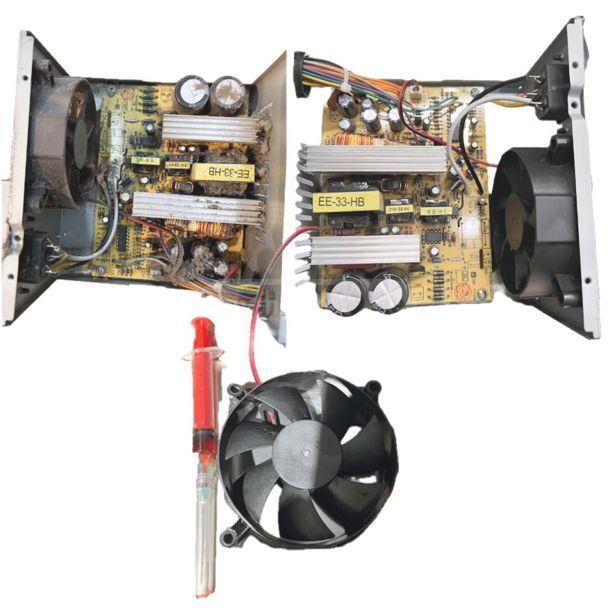
კომპიუტერის გაწმენდა თერმოპასტის შეცვლა
50 ₾More than 5 yearsTbilisi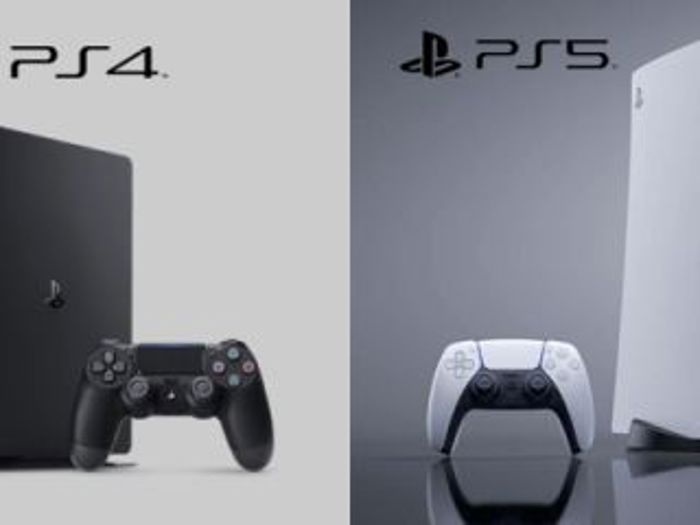
sonyplaystation ,/გამწნედა/ps5/ps4 შეკეთება
Negotiable priceMore than 5 yearsTbilisi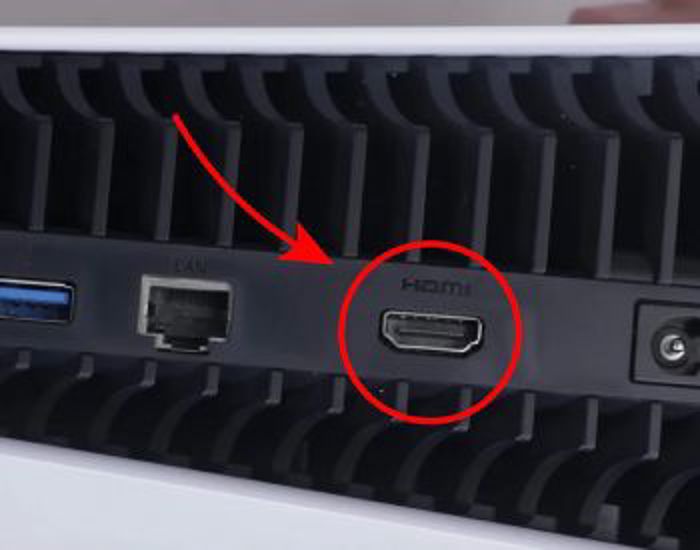
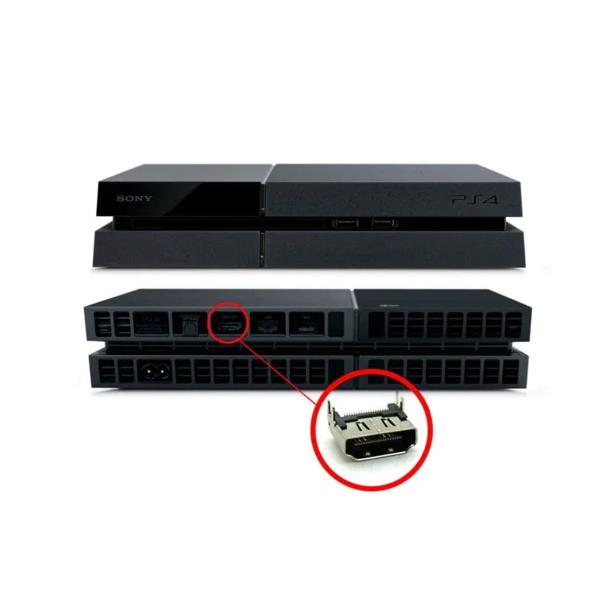
HDMI ბუდის შეცვლა, შეკეთება
Negotiable priceMore than 5 yearsTbilisi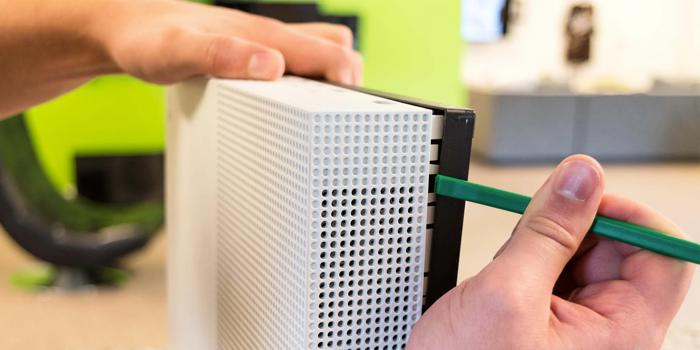
PlayStation და Xbox One გასუფთავება,გაწმენდა
60 ₾More than 5 yearsTbilisi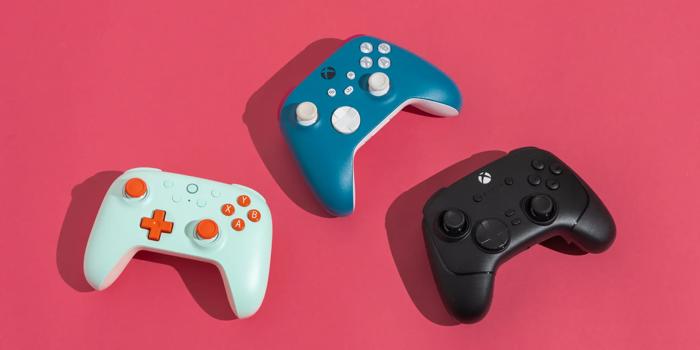
playstation ჯოისტიკის შეკეთება კონტროლერის შეკეთება
Negotiable priceMore than 5 yearsTbilisiFrequently Asked Questions - Computer Overclocking
Yes, in most cases deleted or lost files can be recovered using specialized software or professional lab methods, as long as the data hasn't been overwritten by new files. The sooner you contact a specialist after the loss, the higher the chance of successful recovery.
Software: The problem involves the operating system, viruses, drivers, or applications. It is resolved through system optimization, malware cleanups, or a clean reinstallation of Windows. Hardware: The problem lies within the physical components (e.g., a burned-out board, broken cooling fan, or cracked screen). It requires repairing or replacing the specific component.
The battery needs to be replaced if the laptop only lasts a few minutes unplugged. However, if you notice that the laptop chassis, keyboard, or touchpad is bulging slightly, it means the battery is swollen. This condition is a potential fire hazard and requires immediate removal.