

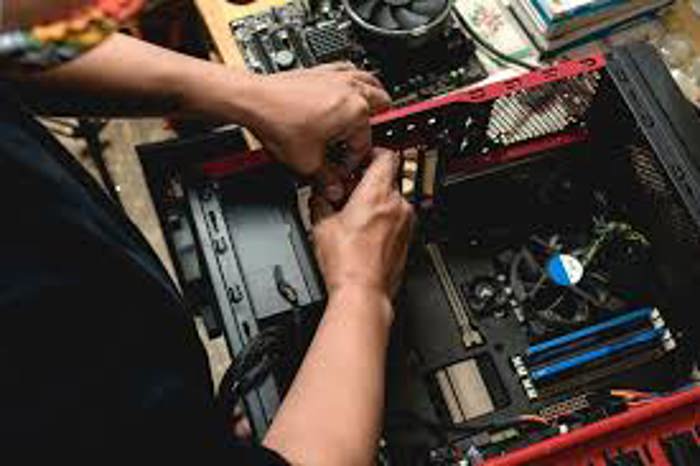
კომპიუტერების შეკეთება ადგილზე გამოძახებით
Negotiable price More than 5 years
 Tbilisi
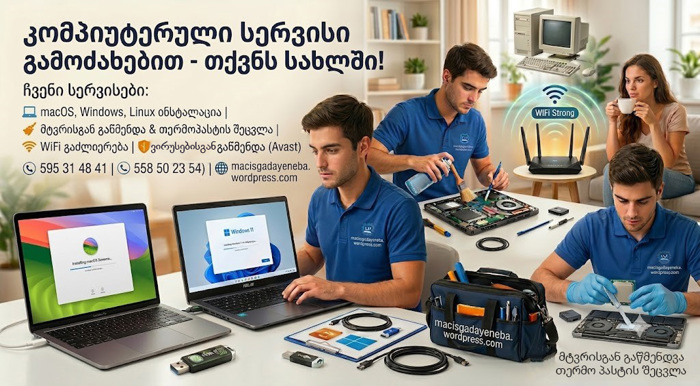
კომპიუტერული მომსახურება
Negotiable priceMore than 5 yearsTbilisi
კომპიუტერული მომსახურება
Negotiable priceMore than 5 yearsTbilisiTips for cleaning your computer from viruses
Complete virus and malware removal
Deep scanning and cleaning of PCs, laptops, flash drives, and external hard drives to eliminate Trojans (Trojans), spyware (Spyware), and worms (Worms).
Adware and pop-up blocking
Removing annoying pop-up ads, unauthorized homepages, and malicious extensions (Extensions) from web browsers (Chrome, Edge, Firefox).
Ransomware protection
Diagnosing encrypted and infected files, thoroughly cleaning the system, and restoring data security mechanisms.
Licensed antivirus setup
Installation, configuration, and automatic update setup for official antivirus software (Kaspersky, ESET\ NOD32, Bitdefender, Malwarebytes).
System optimization and post-infection repair
Repairing registry (Registry) keys and system files damaged by malware, restoring overall system performance.
Protect your personal data
Find experienced IT specialists and computer technicians for on-site visits or remote assistance on the platform: services.ss.ge

IT მომსახურება
Negotiable priceUp to 5 yearsTbilisiFrequently Asked Questions - Virus Cleaning
Common indicators include significant system slowdowns, pop-up ads opening automatically in browsers, unexpected applications appearing, missing or unopenable files, sudden system restarts, and suspicious error pop-ups on screen.
Yes. As long as the computer turns on and maintains an active internet connection, a specialist can access the system remotely via software such as TeamViewer or AnyDesk to run diagnostics and fully clean malware threats.
Free antivirus applications only provide baseline protection. Licensed (paid) versions offer real-time protection, secure online banking modules, anti-phishing filters, and active blocking against ransomware ($Ransomware$), providing a vastly superior level of security.