





IT მომსახურება
Negotiable price More than 5 years

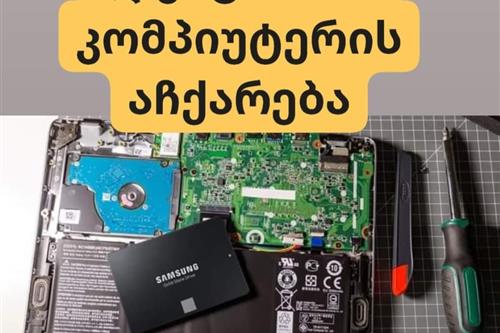
ლეპტოპის,კომპიუტერის სწრაფი აჩქარება
Negotiable priceNo experience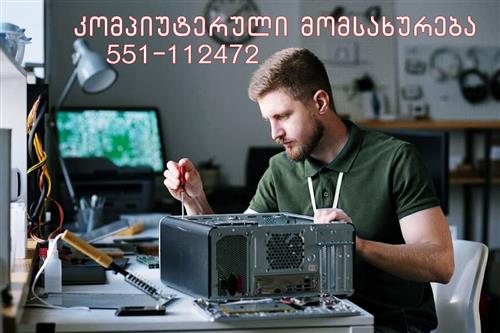
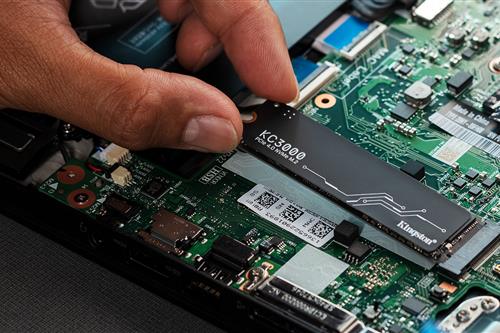
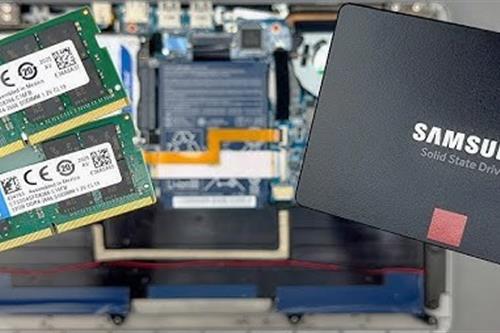
კომპიუტერული მომსახურება
Negotiable priceMore than 5 years Tbilisi
Tips Before Booking IT Services
Identifying the problem
Before contacting a technician, clearly describe the issue (e.g., the computer turns on, but the screen is black, Windows is not loading, the internet disconnects frequently).
Data Backup
Before reinstalling the operating system (Windows/MacOS) or replacing the hard drive (HDD/SSD), always ask the specialist to safely back up your important files.
Network design
When setting up an internet network (WiFi/LAN) in an office or home, determine the maximum number of users and devices in advance, so the specialist can select a router and switch with the right capacity.
Licensed software
When installing operating systems and office suites, prioritize licensed or official versions to prevent viruses and the risk of data loss.
Remote support
Find out if the specialist provides remote assistance (TeamViewer, AnyDesk). Minor software glitches can be resolved much faster and cheaper this way, without requiring an on-site visit.
Save time
Find computer technicians, network administrators, and IT companies based on authentic reviews and experience on the platform: services.ss.ge
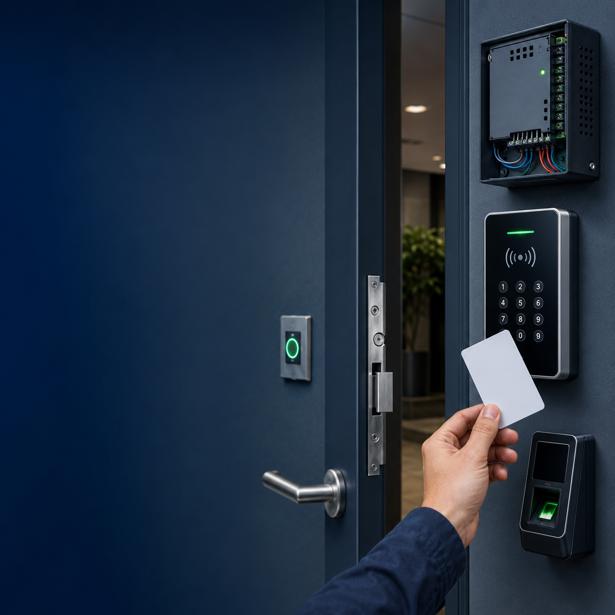
ბარათის წამკითხველი სისტემა
Negotiable priceMore than 5 yearsTbilisi
IT აუთსორსინგი ბიზნესისთვის თბილისში
Negotiable priceMore than 5 years
კომპიუტერული სერვისი თბილისში
Negotiable priceMore than 5 years
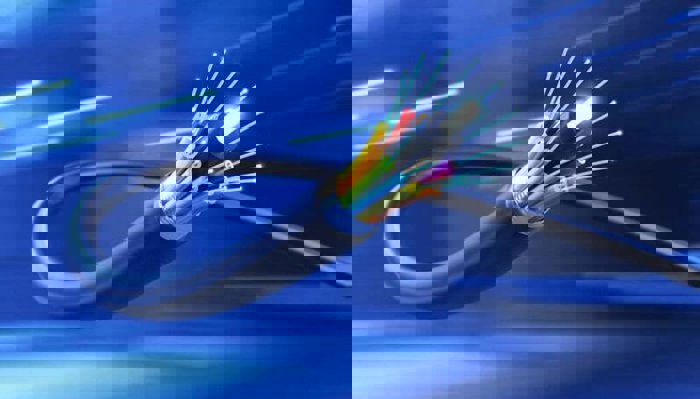
ქსელის მონტაჟი კაბელზე ჯეკის დასმა კაბელის ორად გაყოფა
Negotiable priceMore than 5 yearsTbilisi
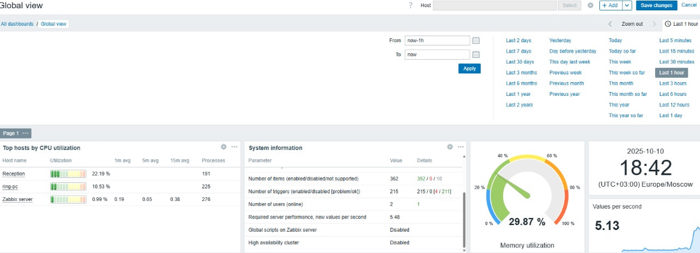
IT სერვისები ბიზნესებისა და ფიზიკური პირებისთვის (ქსელები)
50 ₾ - FromUp to 5 years


კომპიუტერების შეკეთება
Negotiable priceMore than 5 yearsTbilisi
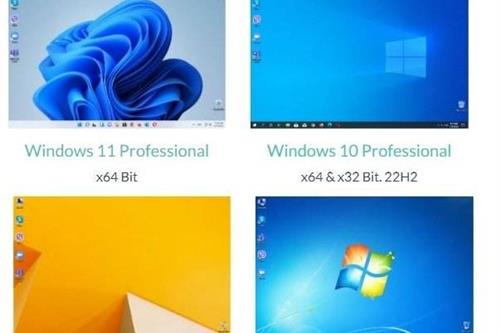
ვინდოუსის დაყენება
40 ₾More than 5 yearsTbilisi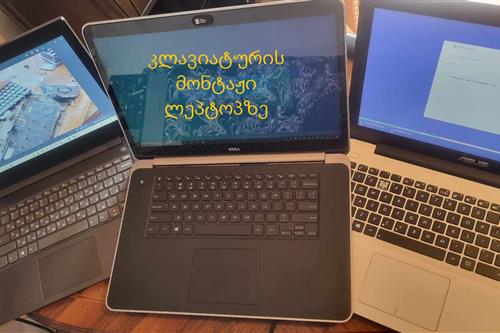
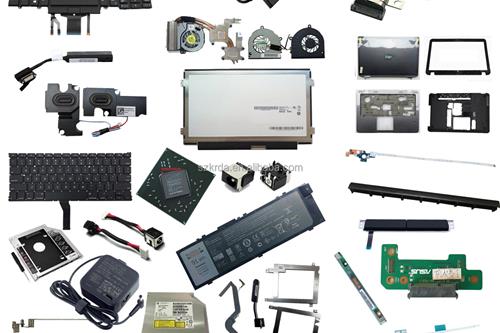
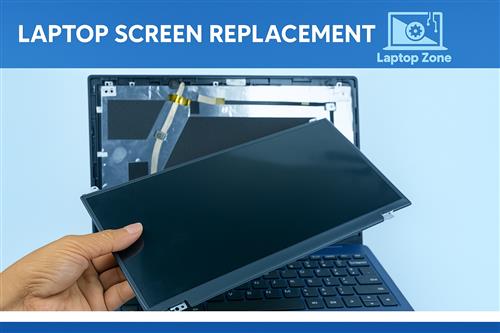
კომპიუტერების , ლეპტოპების შეკეთება - laptop fix service
Negotiable priceMore than 5 yearsTbilisi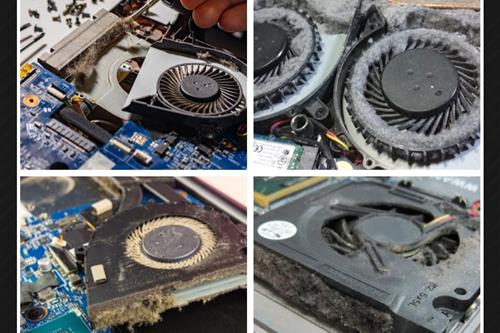
ლეპტოპის ქულერის გაწმენდა , მაღალხარისხიანი თერმოპასტის წასმა, აჩქარება
Negotiable priceMore than 5 yearsTbilisi
საიტის დამზადება
400 ₾More than 5 yearsTbilisiFrequently Asked Questions - IT Services
It likely needs internal dust cleaning and thermal paste replacement. If that doesn't help, replacing the old HDD with an SSD often solves the problem.
System reinstallation typically costs 20-50 GEL and includes installation, driver setup, and basic office software.
Yes, in most cases accidentally deleted or formatted files can be recovered using specialized recovery software.
Usually a technical brief and a milestone-based delivery agreement are signed, specifying the functionality, timeline, and cost.
For a small office, one IT specialist handling both computers and the network is often enough; for larger infrastructure, a dedicated administrator is recommended.