

პროგრამის დაყენება სასტუმროებში
30 ₾ More than 5 years
კომპიუტერული ტექნიკის შეკეთება
15 ₾More than 5 years

ვქმნი თანამედროვე ვებგვერდებს მცირე ბიზნესებისთვის
300 ₾ - FromMore than 5 yearsTips for computer programming before installation
Operating System (OS) installation and reinstallation
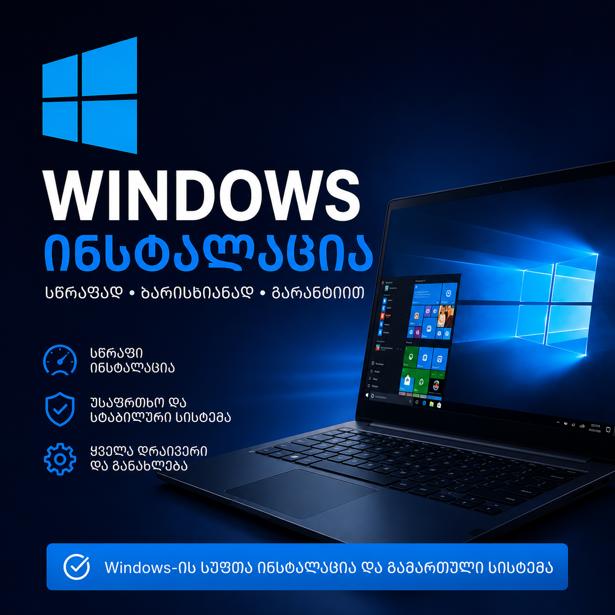
Complete installation of $Windows\ 10/11, macOS, or Linux, bundled with driver updates and essential basic software.
Office and graphic software setup
Installation and activation of Microsoft\ Office (Word, Excel, PowerPoint), Adobe Creative Cloud (Photoshop, Illustrator, Premiere\ Pro), AutoCAD, Archicad, and other professional applications.
Antivirus protection and malware removal
Licensed antivirus installation, deep system cleanup removing viruses, Trojans, adware, and malicious software (Malware).
Computer optimization and speed boost
Fixing system slowdowns, crashes, and Blue Screen of Death (BSOD) errors, along with registry cleaning and startup optimization.
Data recovery and backup solutions
Recovering deleted or corrupted files, photos, and documents from HDD, SSD, or USB flash drives.
Keep your computer running smoothly
Find experienced IT specialists, computer technicians, and software experts for on-site visits or remote support (TeamViewer/AnyDesk) on the platform: services.ss.ge
სრული კომპიუტერული მომსახურება
Negotiable priceUp to 5 years Tbilisi

პროგრამების ინსტალაცია გამოძახებით
Negotiable priceMore than 5 yearsTbilisi
კომპიუტერული პროგრამების დაყენება
20 ₾More than 5 yearsTbilisi
წაშლილი ფაილების აღდგენა
15 ₾More than 5 yearsTbilisi
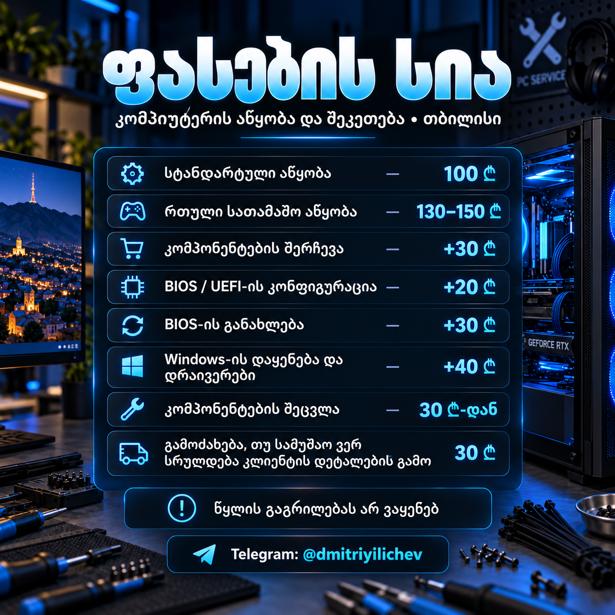
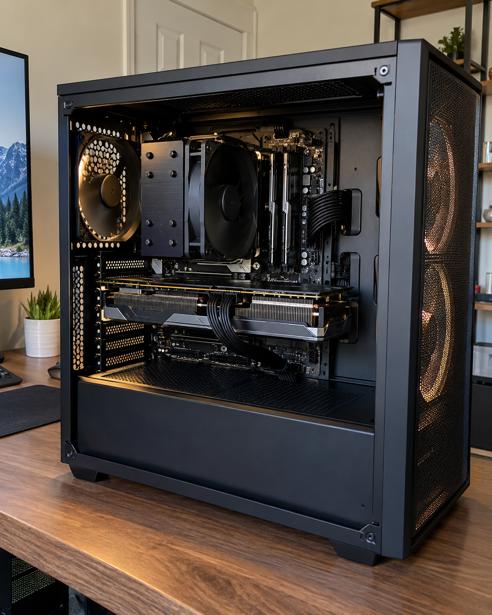
კომპიუტერის აწყობა
100 ₾Up to 3 years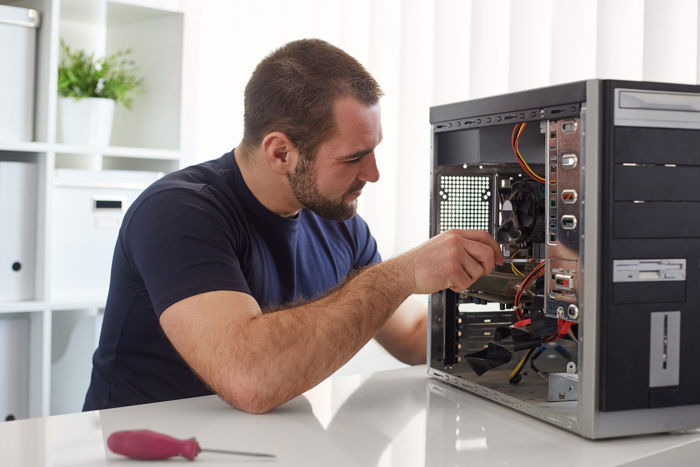
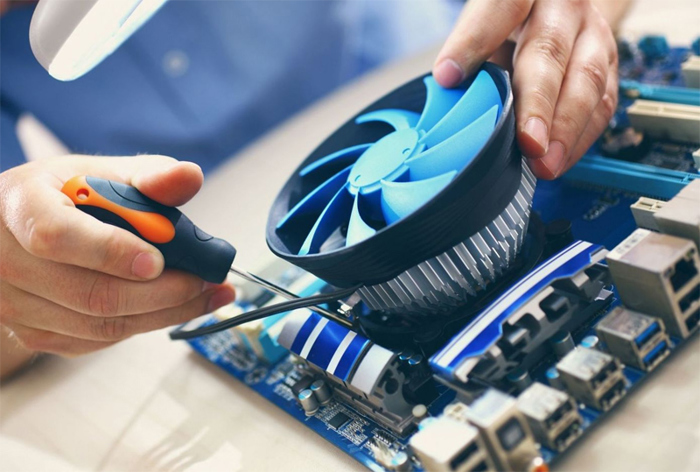
კომპიუტერის შეკეთება
20 ₾More than 5 yearsTbilisi
ვინდოუსის გადაყენება ადგილზე გამოძახებით
20 ₾More than 5 yearsTbilisi
ფოტოშოპის და ილუსტრატორის ინსტალაცია
Negotiable priceMore than 5 yearsTbilisi
თქვენს ბიზნესზე მორგებული პროგრამირება
Negotiable priceMore than 5 years
ლიცენზირებული ვინდოუსის გადაყენება,ჩაწერა
220 ₾More than 5 yearsTbilisiFrequently Asked Questions - Computer Programming Setup
Yes. If your computer has an active internet connection, most software installations, driver updates, virus cleanups, and system optimizations can be handled remotely using software like TeamViewer or Any Desk.
No. Prior to formatting, a professional technician will back up all critical files (Desktop, Documents, photos, databases) to a secondary drive partition (D/E) or external storage, ensuring your data remains completely safe.
Installing Windows or macOS on a solid-state drive (SSD) increases boot times and application loading speeds by 4 to 5 times compared to a traditional hard disk drive (HDD). Upgrades to an SSD provide the single most effective boost for aging or sluggish computers.