

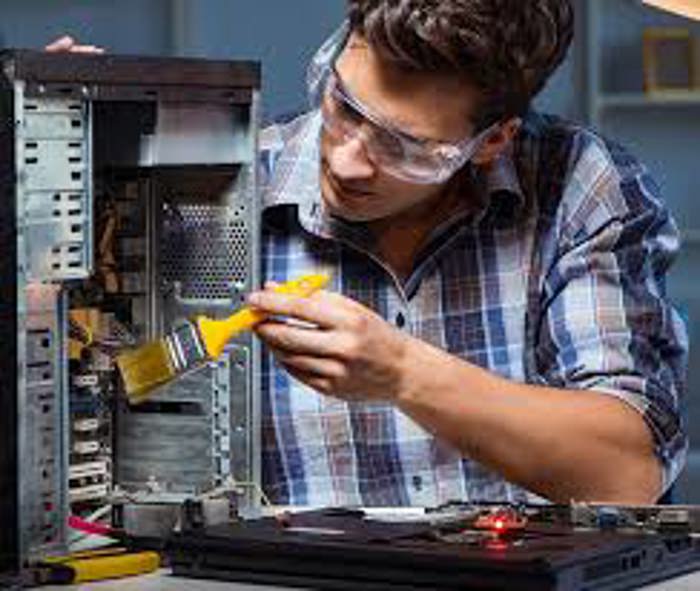
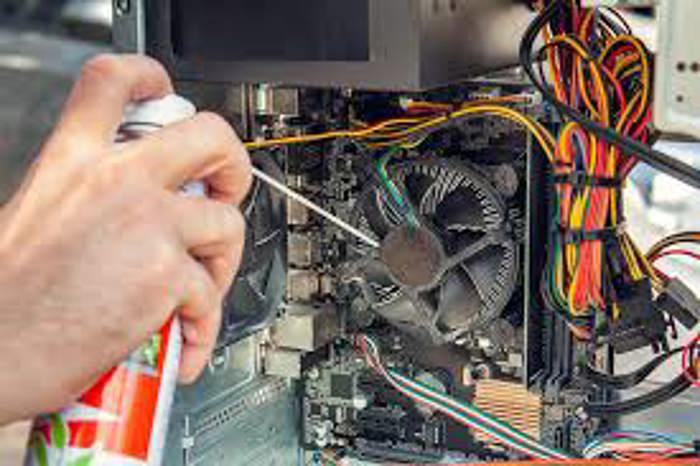
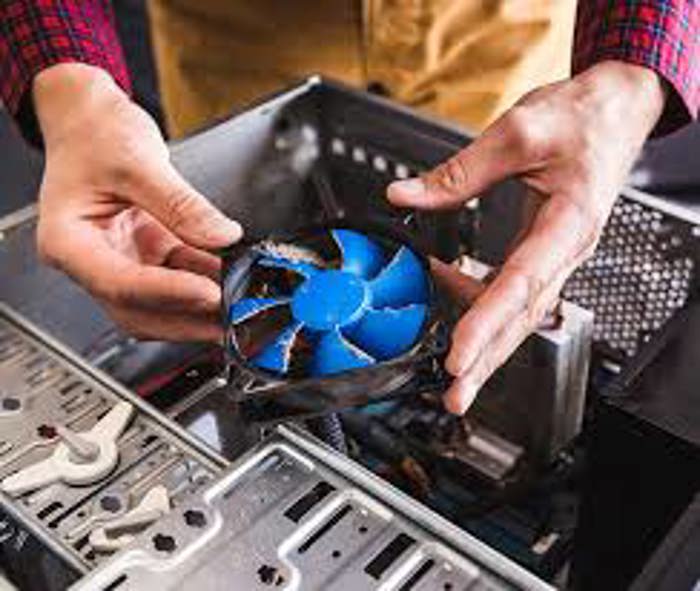
კომპიუტერის გაწმენდა მტვრისგან
30 ₾ More than 5 years
 Tbilisi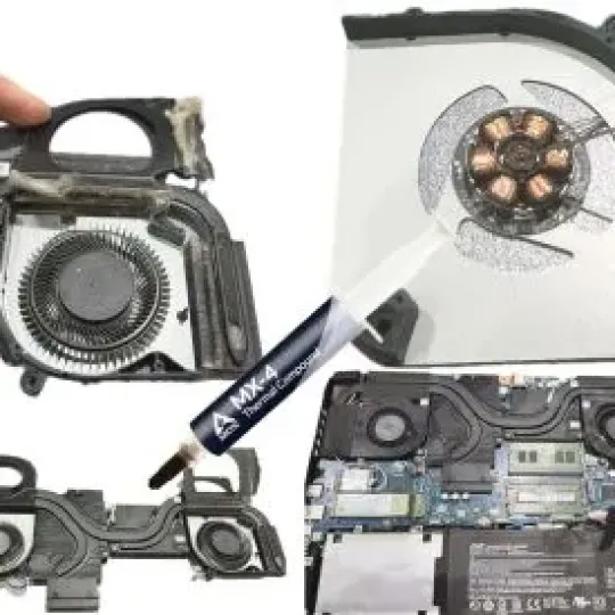
ლეპტოპის გაწმენდა თერმოპასტის შეცვლა
30 ₾More than 5 yearsTbilisi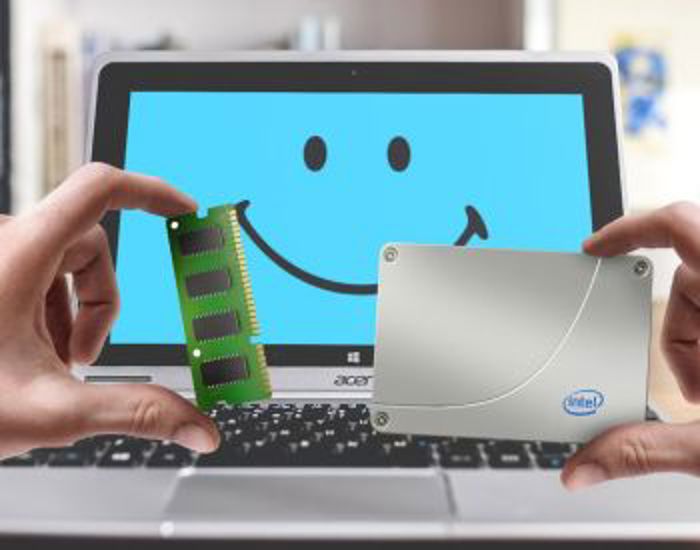
ლეპტოპის გაძლიერება
Negotiable priceMore than 5 yearsTbilisiTips Before Getting Computer Hardware and Software Repaired
Routine maintenance (cleaning)
Overheating is the primary cause of premature computer and laptop failure. It is essential to clean the system of dust and replace the thermal paste on the processor at least once a year. This protects the motherboard and graphics card (GPU) from burning out, while noticeably boosting the device's speed.
Hard drive upgrade (SSD)
If your computer freezes or runs slowly, check the hard drive before replacing an expensive processor. Replacing an old HDD with a modern, fast SSD (or NVMe) drive increases boot and operational speeds by 3 to 5 times.
Licensed software and operating systems
Avoid installing cracked operating systems and applications from sketchy websites. They frequently carry hidden viruses, trojans, or crypto-miners that steal your personal data and overload your processor.
Data backup
Before any major software or hardware intervention (such as reinstalling Windows or replacing a hard drive), make sure the technician backs up your important photos, documents, and files securely to a cloud storage platform or an external hard drive.
Power supply quality (Desktop PC)
When building or upgrading a desktop PC, never cut corners on the power supply unit (PSU). A low-quality or weak power supply can ruin all the expensive components of your computer during the slightest voltage fluctuation.
Restore your computer's speed
Find certified IT specialists, computer technicians, and laptop repair masters based on real reviews and affordable prices on the platform: services.ss.ge
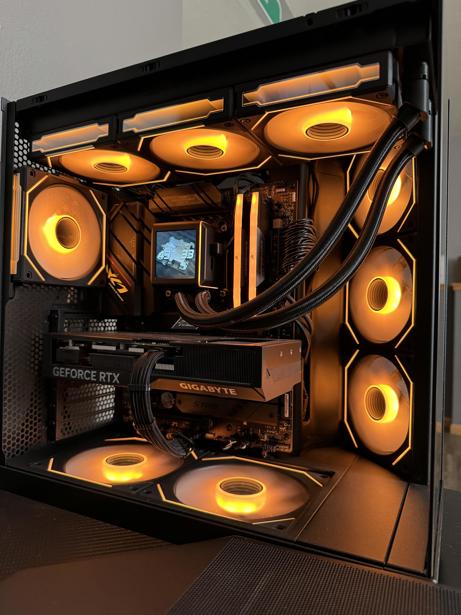
კომპიუტერის აწყობა,გადაწყობა
150 ₾More than 5 yearsTbilisi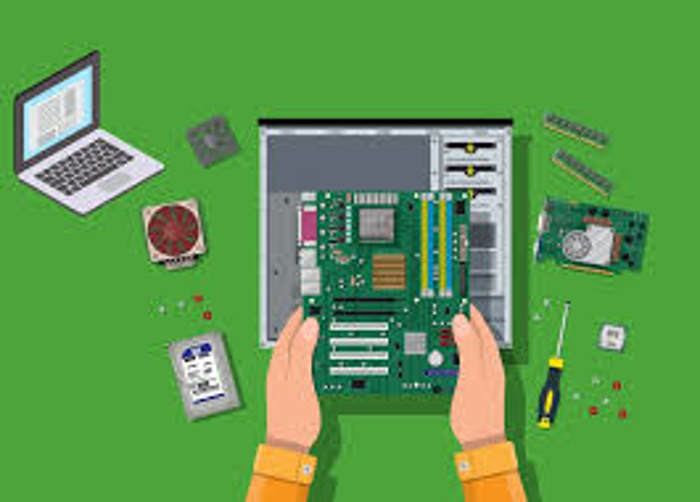
კომპიუტერების გაძლიერება,აწყობა
Negotiable priceMore than 5 yearsTbilisi
Samsung/iPhone/Xiaomi/Huawei - შეკეთება გარანტიით
Negotiable priceMore than 5 yearsTbilisi
Apple Device - შეკეთება გარანტიით
Negotiable priceMore than 5 yearsTbilisi
კომპიუტერული მომსახურება
20 ₾More than 5 yearsTbilisi
კომპიუტერული ტექნიკის შეკეთება
40 ₾More than 5 yearsTbilisi, Gldani
კომპიუტერული ტექნიკის სერვისი
Negotiable priceMore than 5 yearsTbilisi
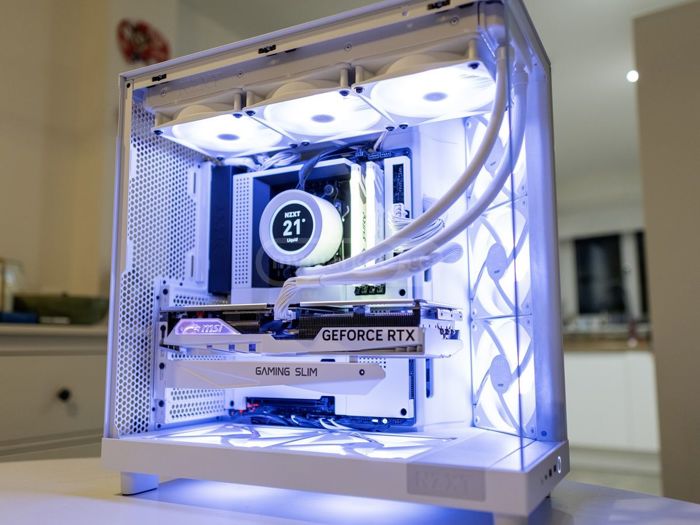
კომპიუტერის აწყობა კომპიუტერის გადაწყობა გაძლიერება
Negotiable priceMore than 5 yearsTbilisi
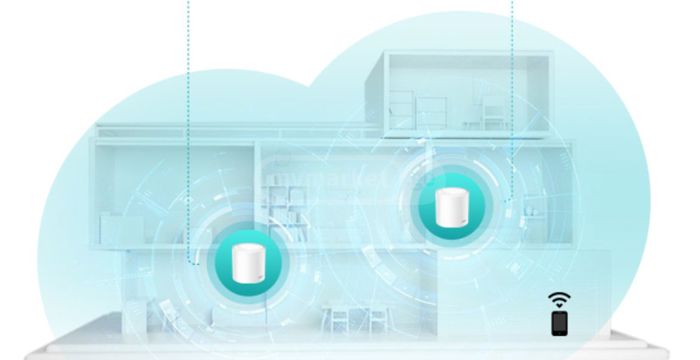
ძლიერი wifi-ის დაყენება ძლიერი ვაიფაის დაყენება ინსტალაცია
Negotiable priceMore than 5 yearsTbilisi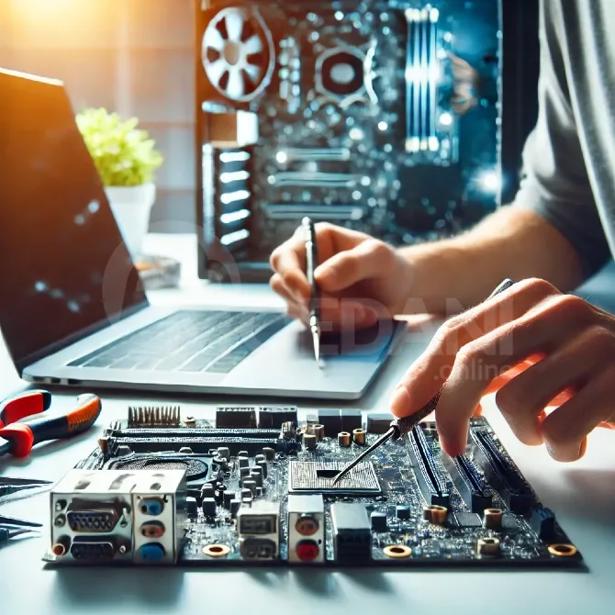
დაზიანებული პეტლების შეკეთება
Negotiable priceMore than 5 yearsTbilisiFrequently Asked Questions - Computer Hardware Installation and Repair
Yes, in most cases, data recovery is possible using specialized hardware and software tools, even if the hard drive has been formatted. The golden rule is: as soon as you discover files are missing, stop using the computer immediately (do not save new files) to prevent the old data from being overwritten, and consult a specialist right away.
Software: The issue is tied to the system (e.g., Windows freezing, viruses, driver glitches, or software crashes). It is resolved through system optimization, malware removal, or a clean reinstallation of Windows. Hardware: The issue lies within the physical components (e.g., a burned-out RAM stick, cracked screen, broken cooling fan, or a failing hard drive). It requires repairing the component or replacing it with a new one.
A battery replacement is necessary if the laptop only lasts a few minutes unplugged, or if the system displays a warning message like Consider replacing your battery. Additionally, if you notice that the laptop case or touchpad is bulging slightly, it means the battery is swollen — this is hazardous and requires immediate replacement.