





IT სერვისები ბიზნესებისა და ფიზიკური პირებისთვის / ქსელები,
50 ₾ - From Up to 5 years


კომპიუტერების შეკეთება
Negotiable priceMore than 5 years Tbilisi
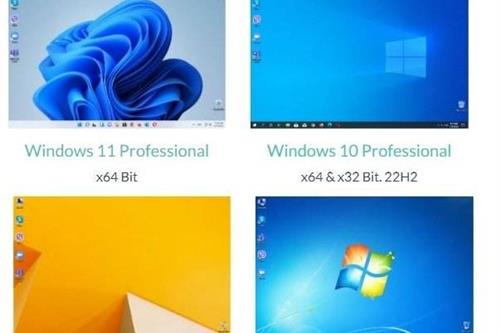
ვინდოუსის დაყენება
40 ₾More than 5 yearsTbilisiTips Before Booking IT Services
Identifying the problem
Before contacting a technician, clearly describe the issue (e.g., the computer turns on, but the screen is black, Windows is not loading, the internet disconnects frequently).
Data Backup
Before reinstalling the operating system (Windows/MacOS) or replacing the hard drive (HDD/SSD), always ask the specialist to safely back up your important files.
Network design
When setting up an internet network (WiFi/LAN) in an office or home, determine the maximum number of users and devices in advance, so the specialist can select a router and switch with the right capacity.
Licensed software
When installing operating systems and office suites, prioritize licensed or official versions to prevent viruses and the risk of data loss.
Remote support
Find out if the specialist provides remote assistance (TeamViewer, AnyDesk). Minor software glitches can be resolved much faster and cheaper this way, without requiring an on-site visit.
Save time
Find computer technicians, network administrators, and IT companies based on authentic reviews and experience on the platform: services.ss.ge
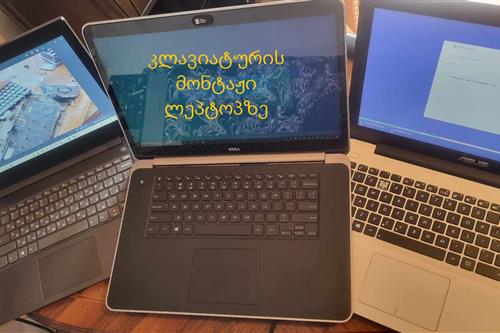
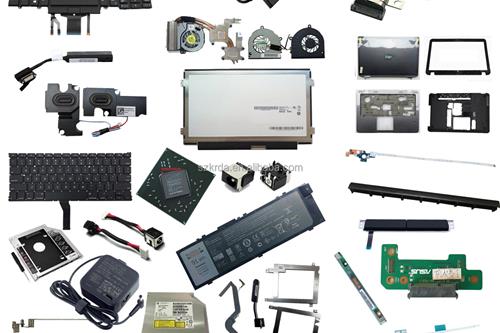
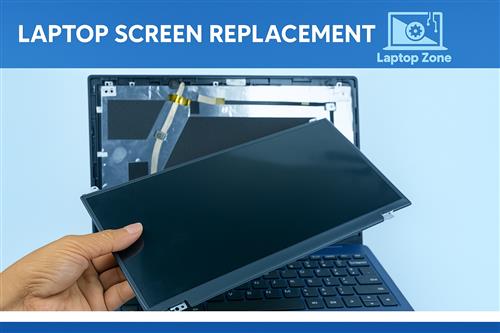
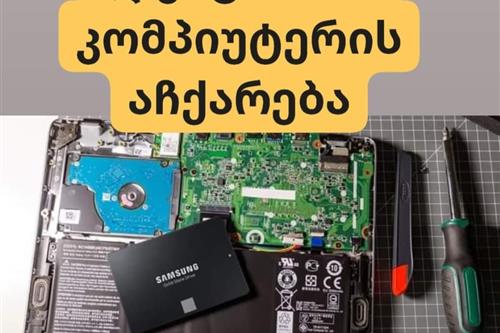
კომპიუტერების , ლეპტოპების შეკეთება - laptop fix service
Negotiable priceMore than 5 yearsTbilisi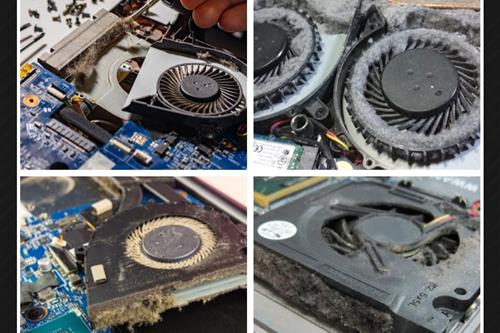
ლეპტოპის ქულერის გაწმენდა , მაღალხარისხიანი თერმოპასტის წასმა, აჩქარება
Negotiable priceMore than 5 yearsTbilisi
საიტის დამზადება
400 ₾More than 5 yearsTbilisi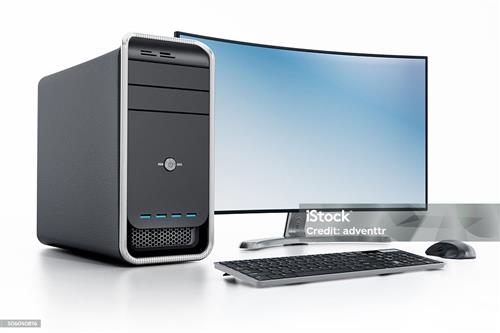
კომპიუტერული ტექნიკის შეკეთება
Negotiable priceMore than 5 yearsTbilisi
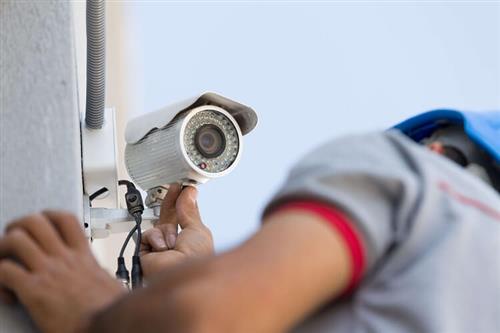
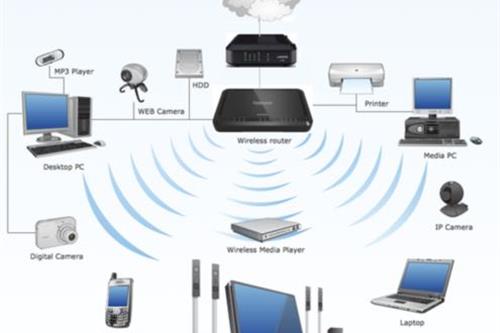
ქსელის მონტაჟი და ადმინისტრირება და ვიდეო კამერების მონტაჟი
Negotiable priceMore than 5 yearsTbilisi
ვინდოუსის გადაყენება გამოძახებით
30 ₾More than 5 yearsTbilisi
ვინდოუსის გადაყენება მისამართზე გამოძახებით
30 ₾Tbilisi
IT მომსახურება
Negotiable priceUp to 5 yearsTbilisi
IT სერვისები კომპიუტერის შეკეთება ვინდოუსის გადაყენება
Negotiable priceUp to 5 yearsTbilisi

ვებ, საიტი, ვებსაიტი, საიტების დამზადება, ვებ გვერდი,
500 ₾ - FromMore than 5 yearsTbilisiFrequently Asked Questions - IT Services
It likely needs internal dust cleaning and thermal paste replacement. If that doesn't help, replacing the old HDD with an SSD often solves the problem.
System reinstallation typically costs 20-50 GEL and includes installation, driver setup, and basic office software.
Yes, in most cases accidentally deleted or formatted files can be recovered using specialized recovery software.
Usually a technical brief and a milestone-based delivery agreement are signed, specifying the functionality, timeline, and cost.
For a small office, one IT specialist handling both computers and the network is often enough; for larger infrastructure, a dedicated administrator is recommended.