





პროგრამების დაყენება
Negotiable price More than 5 years
 Tbilisi
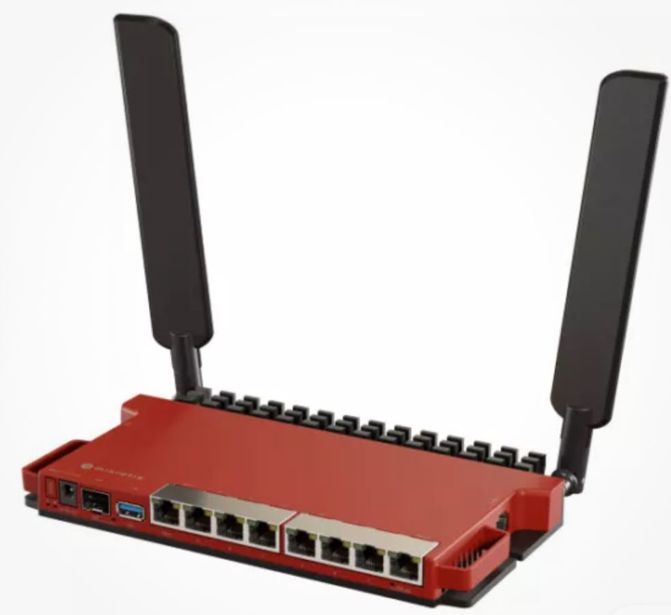
ძლიერი Wifi-ის დაყენება
150 ₾More than 5 yearsTbilisi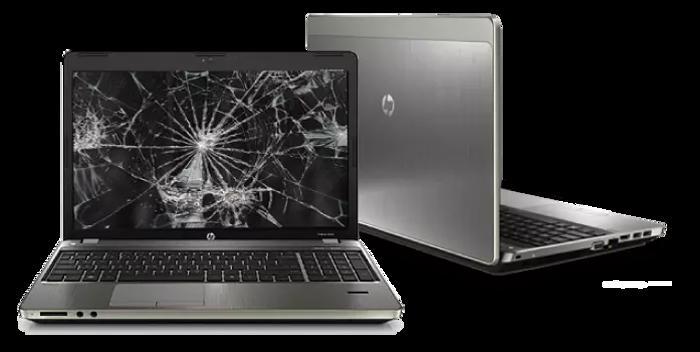
ლეპტოპის ეკრანების შეცვლა
120 ₾More than 5 yearsTbilisiTips Before Booking IT Services
Identifying the problem
Before contacting a technician, clearly describe the issue (e.g., the computer turns on, but the screen is black, Windows is not loading, the internet disconnects frequently).
Data Backup
Before reinstalling the operating system (Windows/MacOS) or replacing the hard drive (HDD/SSD), always ask the specialist to safely back up your important files.
Network design
When setting up an internet network (WiFi/LAN) in an office or home, determine the maximum number of users and devices in advance, so the specialist can select a router and switch with the right capacity.
Licensed software
When installing operating systems and office suites, prioritize licensed or official versions to prevent viruses and the risk of data loss.
Remote support
Find out if the specialist provides remote assistance (TeamViewer, AnyDesk). Minor software glitches can be resolved much faster and cheaper this way, without requiring an on-site visit.
Save time
Find computer technicians, network administrators, and IT companies based on authentic reviews and experience on the platform: services.ss.ge
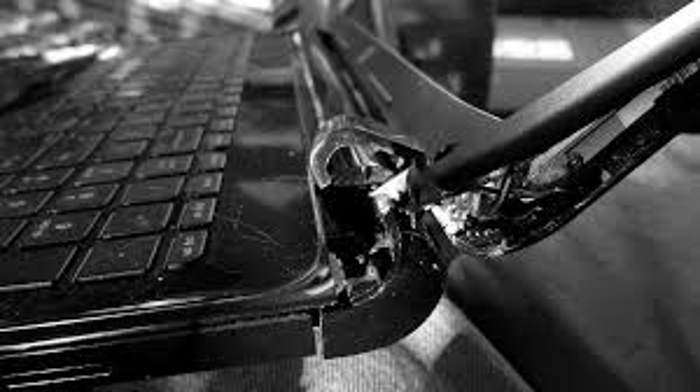
გატეხილი ლეპტოპის სახურავის და პეტლების შეკეთება
Negotiable priceMore than 5 yearsTbilisi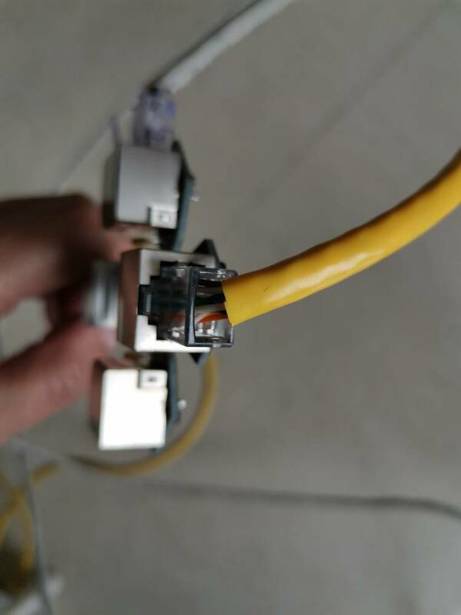
ინტერნეტ კაბელის შეკეთება
Negotiable priceMore than 5 yearsTbilisi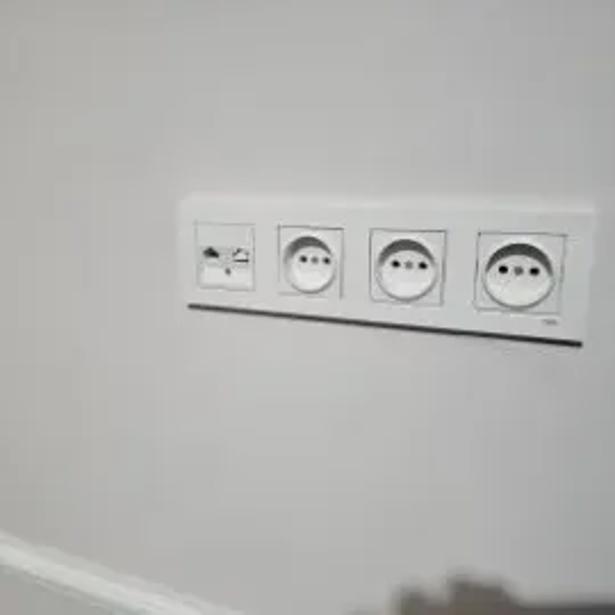
ინტერნეტის ბუდის დაერთება, დაჯეკვა
Negotiable priceMore than 5 yearsTbilisi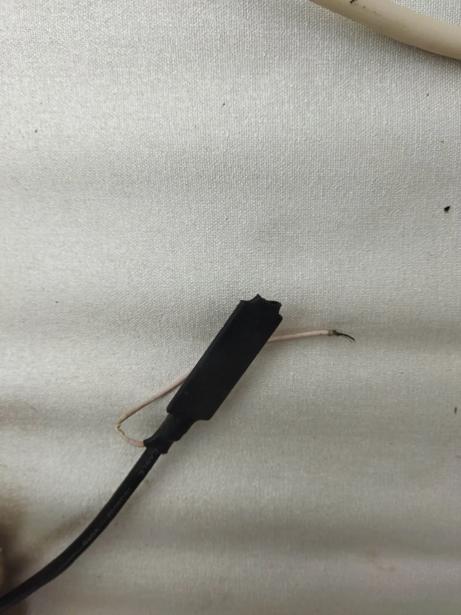
ინტერნეტ კაბელის დაზიანების აღდგენა დაჯეკვა
Negotiable priceMore than 5 yearsTbilisi
ონლაინ კომპიუტერული სერვისი enydesk-ით
Negotiable priceMore than 5 yearsTbilisi

პროგრამების ინსტალაცია
Negotiable priceMore than 5 yearsTbilisi
ოფიციალური ლიცენზირებული ვინდოუსის ჩაწერა დაყენება
250 ₾More than 5 yearsTbilisi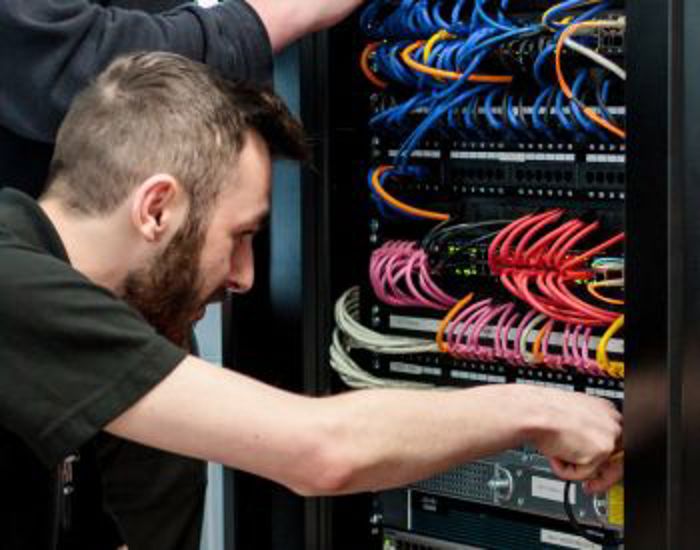
ინტერნეტი ვაიფაი wifi კაბელის დაჯეკვა მომსახურება
Negotiable priceMore than 5 yearsTbilisi
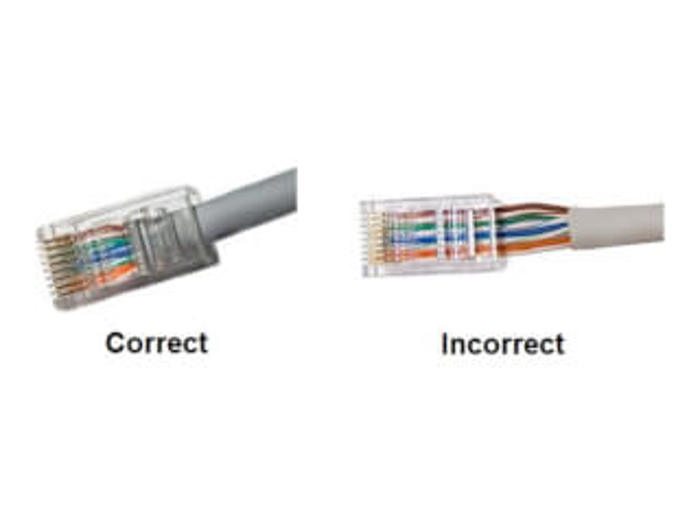
ინტერნეტ კაბელის გაყვანა
Negotiable priceMore than 5 yearsTbilisi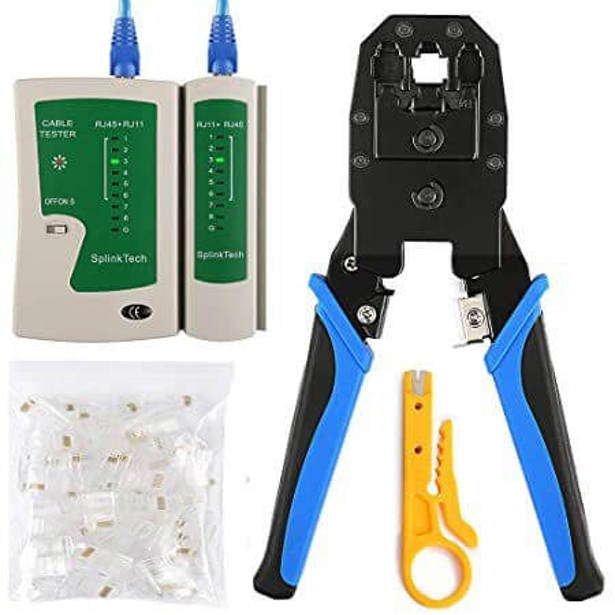
WIFI-დაყენება დაჯეკვა, როზეტის დაერთება,კაბელის გაყვანა
Negotiable priceMore than 5 yearsTbilisiFrequently Asked Questions - IT Services
The price for an OS reinstallation averages between 20 to 50 GEL. Typically, the cost includes: operating system installation, configuration of necessary drivers, web browsers, antivirus software, and basic office (Office) programs.
Most likely, the hardware needs internal dust cleaning and thermal paste replacement (recommended once a year). If this does not help, the best way to speed up the system is to replace the old hard drive (HDD) with a modern, fast solid-state drive (SSD).
Yes, in most cases, files can be recovered from an accidentally deleted or formatted drive using specialized software. The key is to stop using the device (do not write new files onto it) immediately upon discovering the issue and contact an IT specialist right away.